The order arrives messy. It leaves SAP ready.
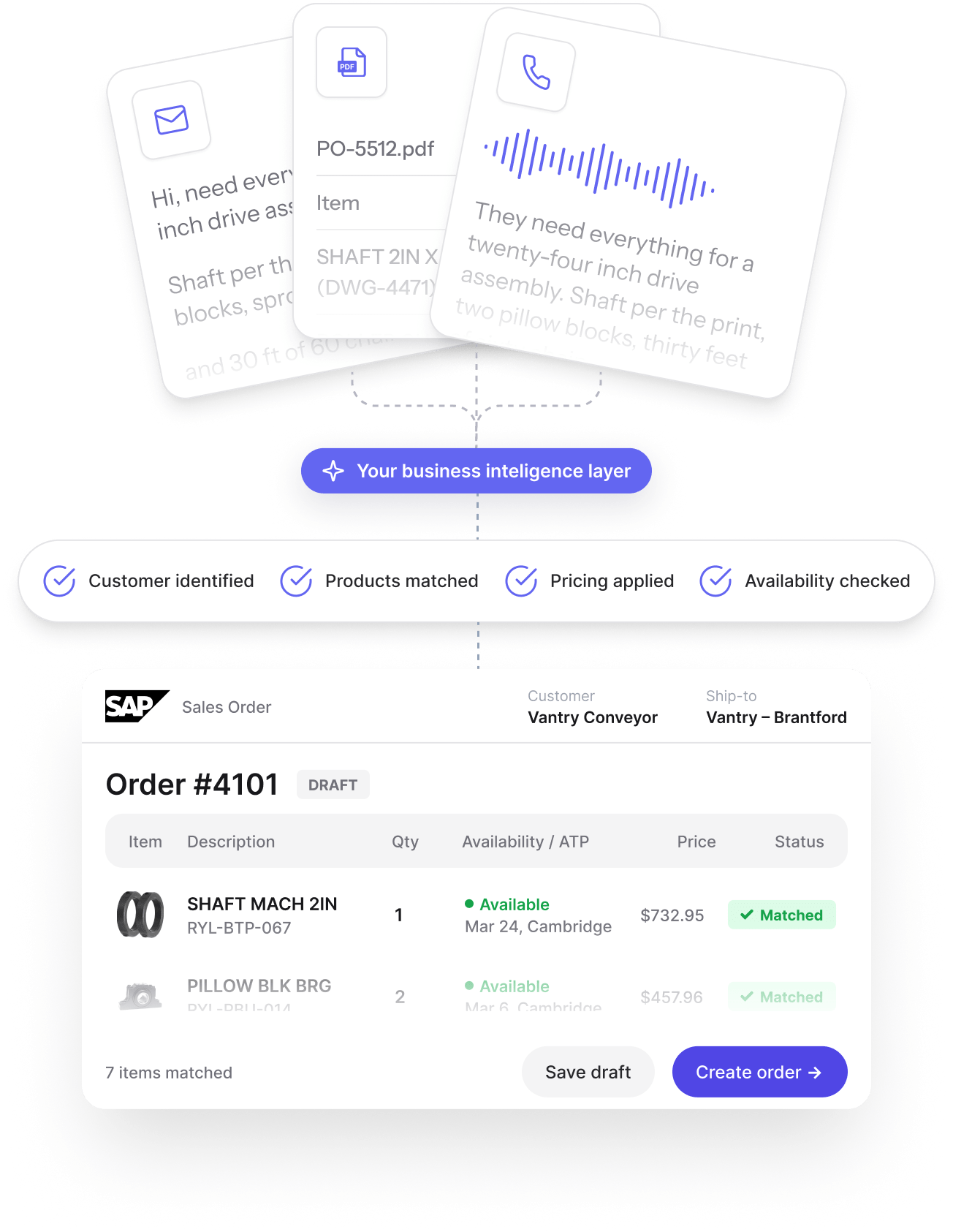
The desk stops improvising.
Any channel
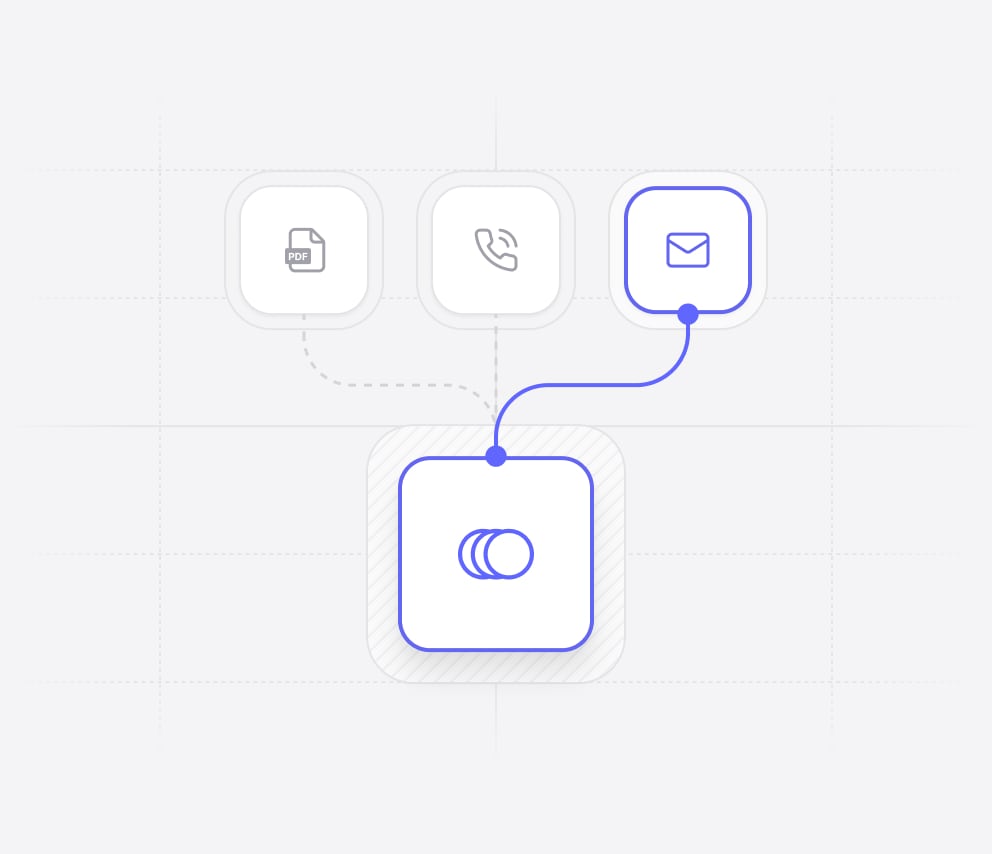
Context Intelligence Layer
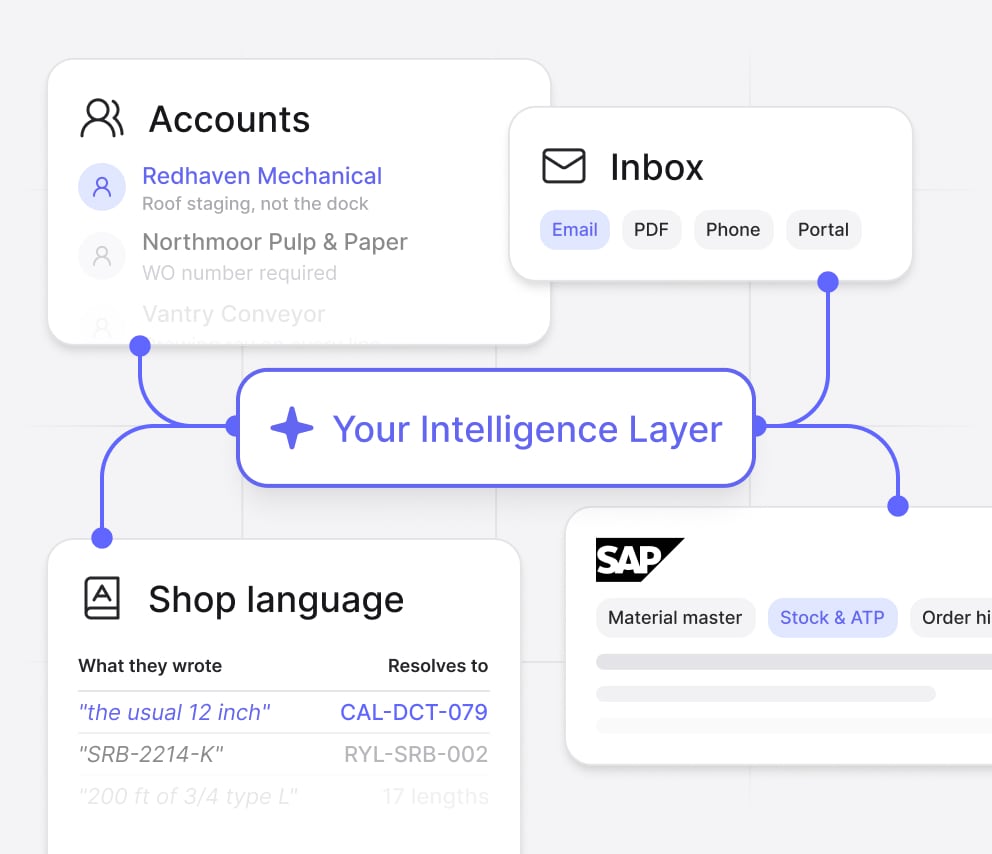
Your words, your catalogue
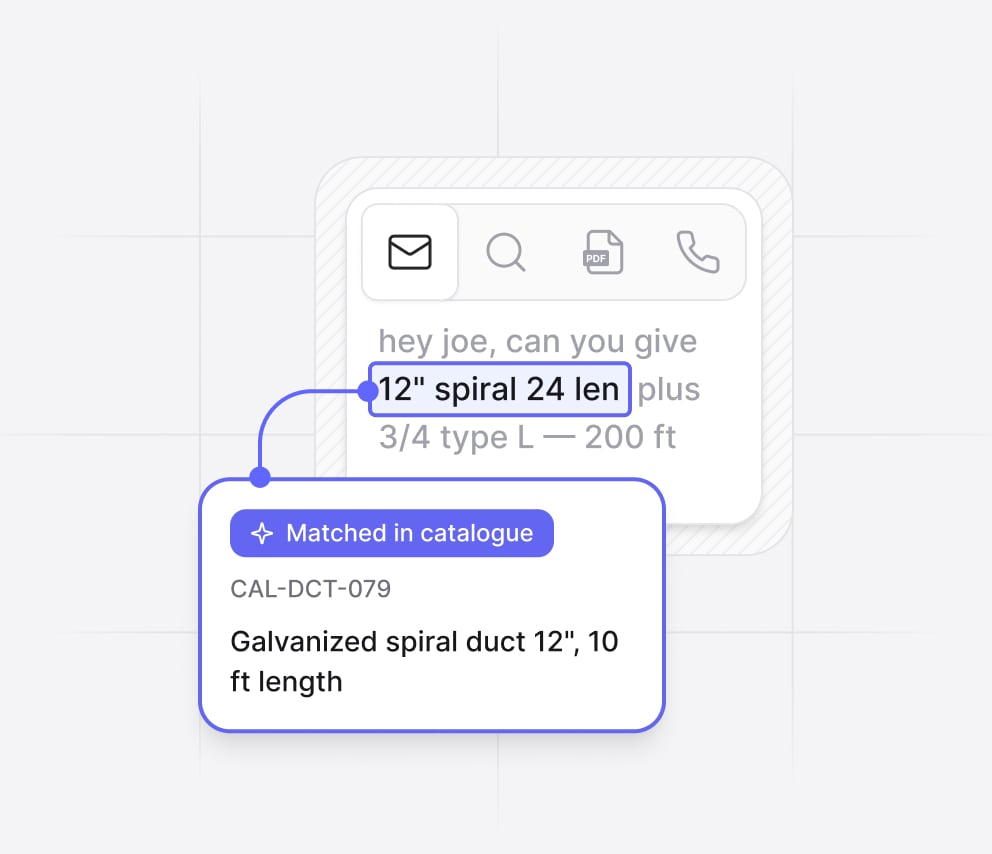
The order is simple.
Getting it right is not.
One screen for the whole desk.
What the desk gets back.
Frequently asked questions
What is AI-assisted order entry for SAP?
AI-assisted order entry uses AI to interpret an incoming customer request, map it to the products and information stored in SAP, identify missing or uncertain information, and prepare the sales order before a representative approves it. With Frontleap, the AI works alongside the existing ERP rather than replacing it. SAP remains the system of record, while Frontleap handles the operational work required to turn an unstructured customer request into a clean, validated transaction.
How does Frontleap turn an email or PDF into an SAP order?
Frontleap reads the customer request from an email, PDF or information captured during a call and identifies the products, quantities and other order details it can determine. It then resolves those details against your catalogue and relevant ERP context, including stock, pricing, customer information and previous orders. Instead of guessing when information is unclear or missing, Frontleap surfaces the exception to the representative. The rep reviews the prepared order and approves the clean transaction before it reaches SAP.
Can Frontleap understand customer product names that do not match SAP material numbers?
Yes. Frontleap is designed for the gap between how customers describe products and how those products are represented in the ERP. A customer may use an abbreviation, an old part number, a local nickname or a description such as “the usual 12 inch.” Frontleap uses catalogue information and operational context to resolve that language to the appropriate product. When there is not enough information to make a reliable match, it asks the representative rather than silently selecting a material.
What does Frontleap validate before an order reaches SAP?
Frontleap can use the information surrounding the transaction — including catalogue data, inventory, pricing, customer account information, previous orders and business context — to prepare the order before it reaches SAP. The objective is not simply to extract fields from a document. It is to determine whether the order is ready to process and identify what still requires a human decision. Missing information, uncertain matches, pricing questions and other exceptions remain visible to the representative for review.
Does Frontleap create SAP orders automatically, or does a representative approve them?
Frontleap is designed around human approval where a business decision is required. The AI prepares the order, resolves what it can from your systems and operational knowledge, and isolates the exceptions that genuinely need attention. The representative can then review, correct and approve the result before the validated transaction is sent to SAP. This allows teams to automate repetitive order preparation without asking an AI system to make business decisions that should remain with the people operating the desk.
Does Frontleap replace SAP or require changes to our ERP?
No. Frontleap runs alongside SAP rather than replacing it. SAP remains the system of record for the transaction, while Frontleap provides an execution layer where frontline teams can prepare orders and make operational decisions. This separation means the order desk can get a simpler, task-oriented workspace without turning the initiative into another ERP replacement project. Frontleap connects to the existing enterprise environment and sends validated transactions back to the system of record.
How long does it take to implement Frontleap Order Desk?
A typical Frontleap deployment runs approximately one to three months. The process starts by connecting the relevant enterprise systems and modelling the workflows, terminology and rules used by the order desk. Frontleap can then be introduced with one team, location or workflow before expanding more broadly. The objective is to prove the workflow against the customer’s own operating baseline rather than require a large transformation program before the order desk can start using the product.


